Secure browsing
Protect online activity with encrypted VPN connections that help shield data from unwanted visibility on shared networks.
Windows VPN and proxy app
Install VPN & Proxy - ImperialGuard VPN from the Microsoft Store to protect public Wi-Fi sessions, browse more anonymously, unblock eligible content, and use global VPN servers with no ads.
Secure internet access
ImperialGuard VPN combines encrypted connectivity, global server access, unlimited bandwidth during the limited trial, and a clean interface so you can connect quickly at home, at work, or on public Wi-Fi.
Features
Protect online activity with encrypted VPN connections that help shield data from unwanted visibility on shared networks.
Bypass eligible geo-restrictions and browse, stream, or game with more freedom from supported server locations.
Connect to servers worldwide for more flexible routing when you need privacy, speed, or access from another region.
The Store listing states that ImperialGuard VPN does not log online activities, keeping privacy at the center of the product.
Use an uninterrupted VPN experience without advertisements competing for attention inside the app.
A simple Windows interface helps you connect to the VPN and stay protected without managing complex network settings.
Product screenshots
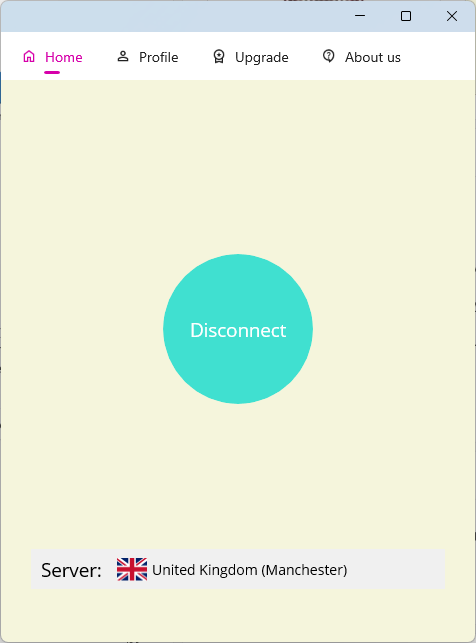
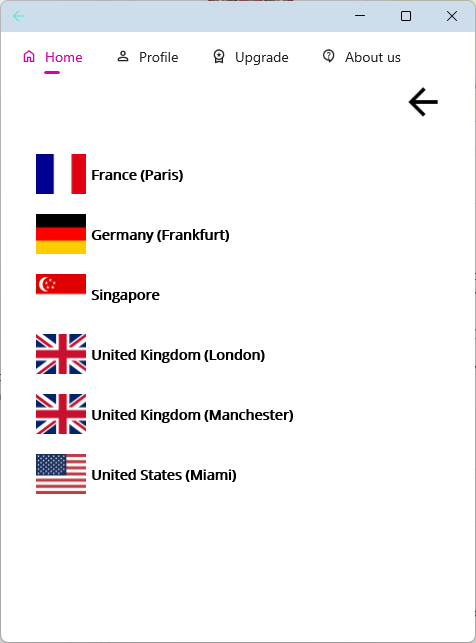
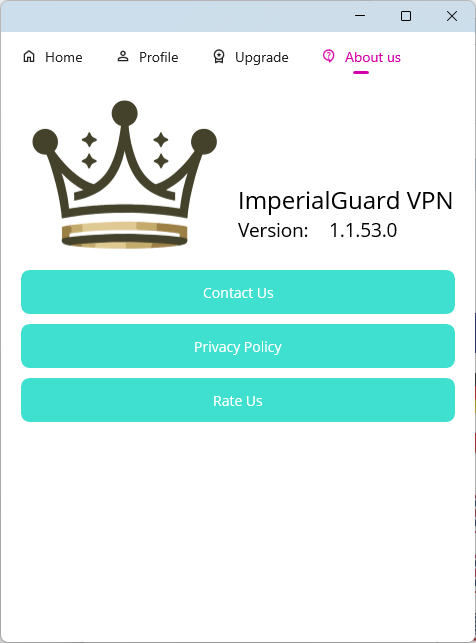
These official Microsoft Store screenshots show the Windows app experience: connection status, server selection, and settings.
Privacy protection
ImperialGuard VPN uses TAP-Windows Provider V9 network adapters for VPN connectivity and is designed for people who want more private browsing without manually configuring network tools.
Read the Privacy PolicyWindows requirements
Microsoft Store requirements list Windows 10 version 17763.0 or higher.
The Store listing identifies x64 architecture support for the current Windows package.
Your device needs a network adapter available for VPN connectivity and secure routing.
Admin permission may be required to install background services and establish network adapters.
The listing shows availability for PC, Mobile, Surface Hub, and HoloLens device families.
Version 1.11.20 was updated in June 2026 with stability fixes and faster server loading.
Download
Install the Windows app for free, unlock premium VPN features during the limited trial, then choose a monthly plan if it fits your needs.

FAQ
The app is listed as free on the Microsoft Store and includes a limited trial for premium VPN features. Subscription plans are available after the trial.
Yes. The Store listing highlights global server access for browsing, streaming, and gaming without bandwidth limits during supported use.
The Microsoft Store feature list states a no logs policy and says the app does not log online activities.
VPN connectivity on Windows can require background services and network adapter setup. ImperialGuard VPN requests elevated permissions for those essential functions.
You can request account and data deletion through the support instructions on the account deletion page.